Super-Automatic Not Working? 8 Checks First
Eight checks for a bean-to-cup machine that shows an error or will not brew: tank, float, brew group, tray, grounds container, grind dial. One photo per step.
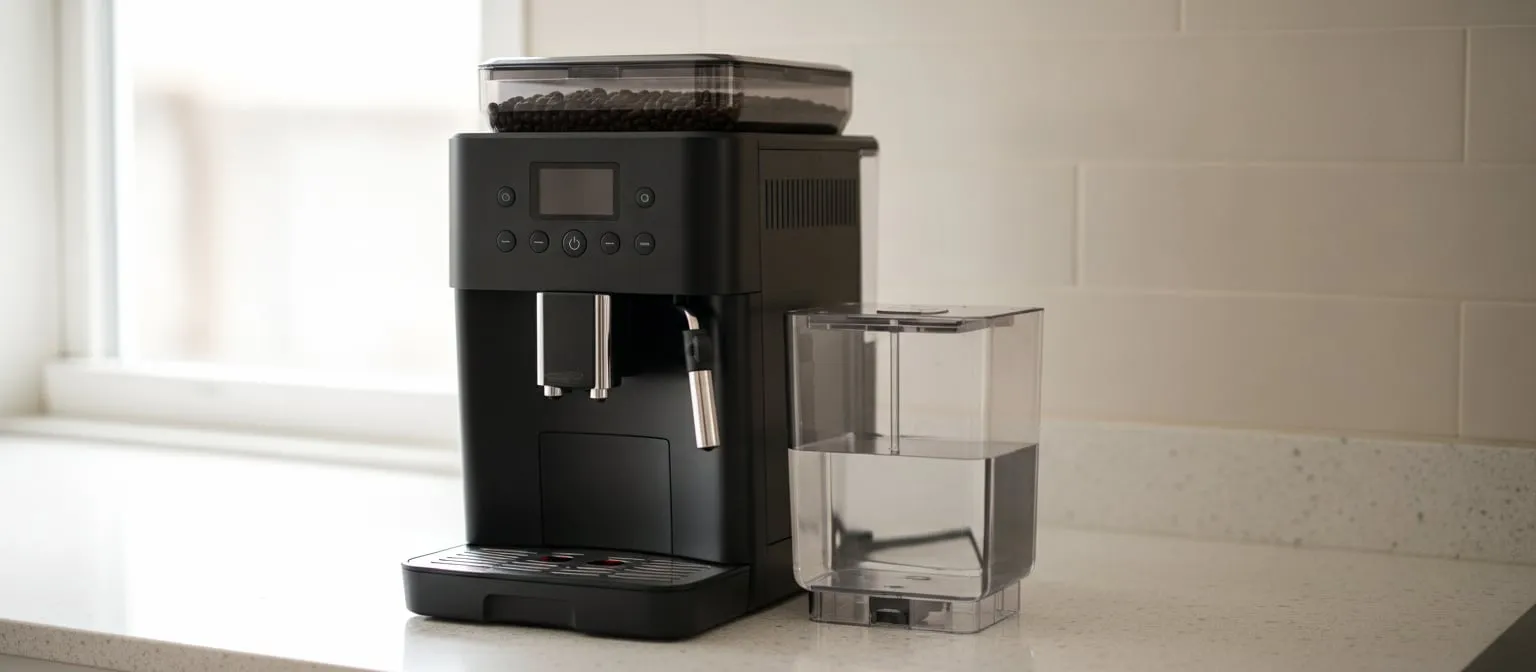
A super-automatic is a machine full of sensors, and every one of them can say “not in place”. The tank, the drip tray, the grounds container, the brew group and the bean hopper each report to the controller, and a part that is a few millimetres short of home produces the same message as a part that is missing. That is why most of the errors on these machines are cleared with a hand and not a screwdriver.
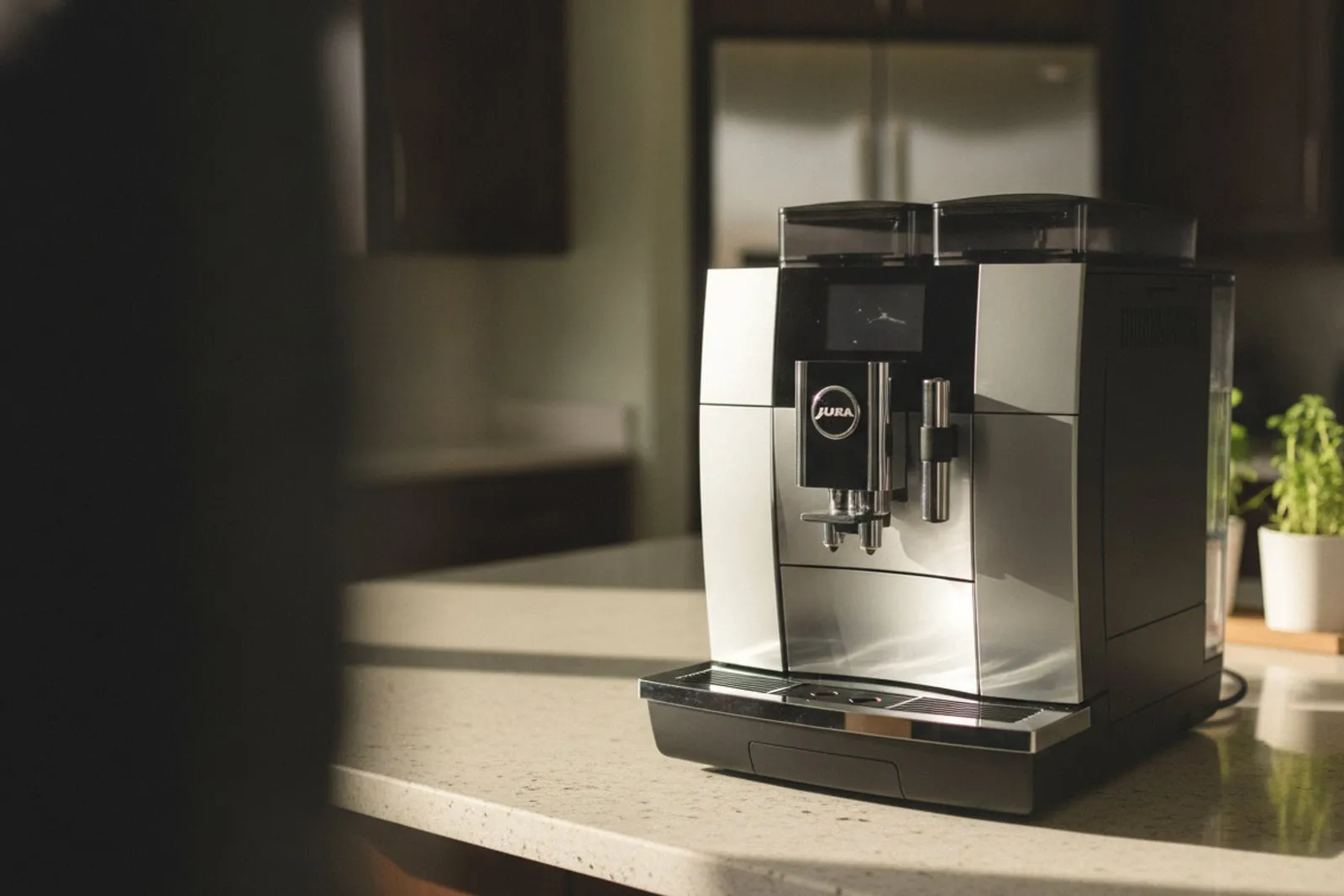
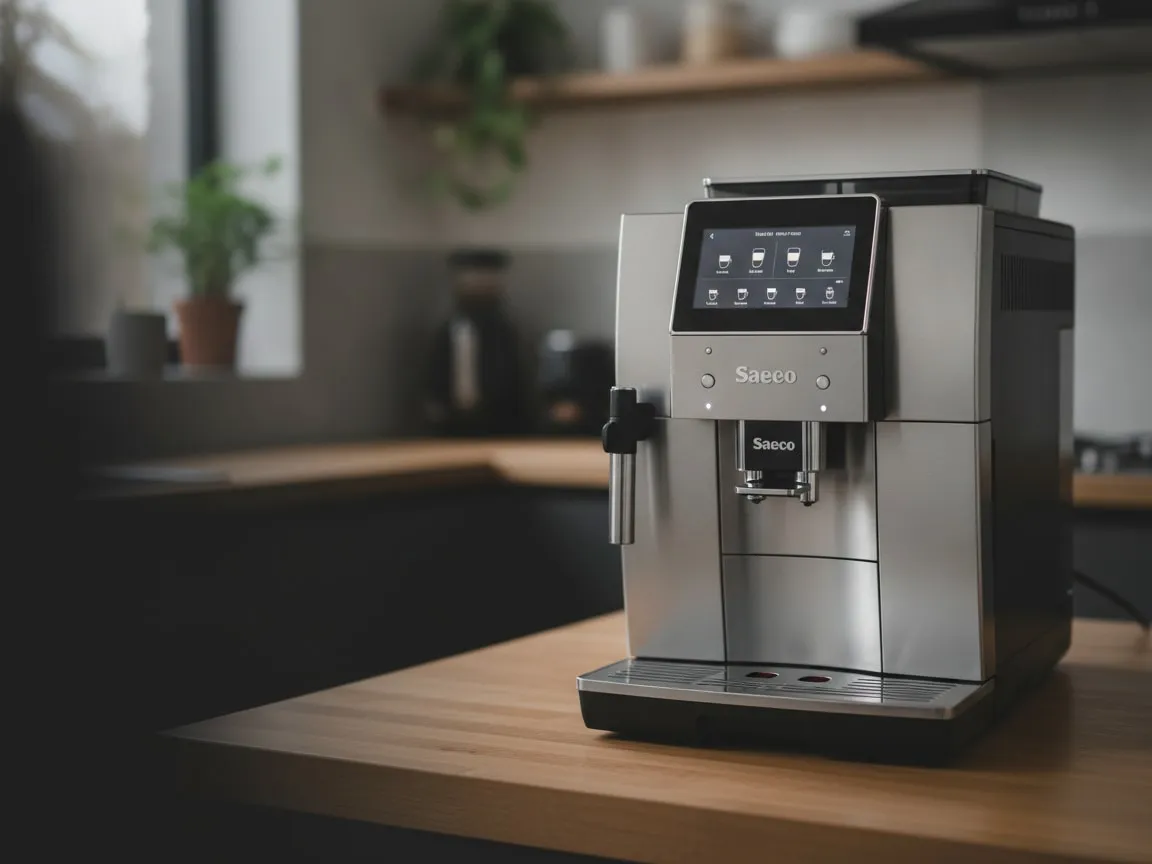
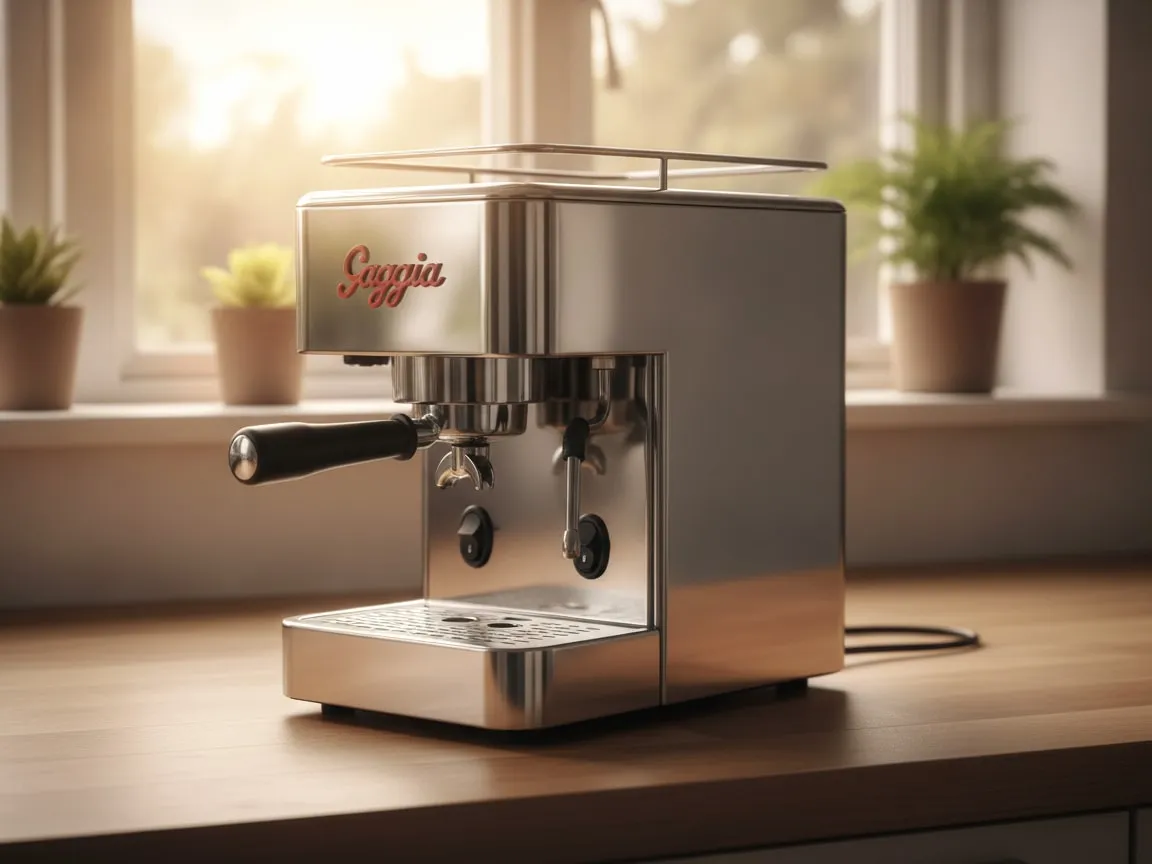
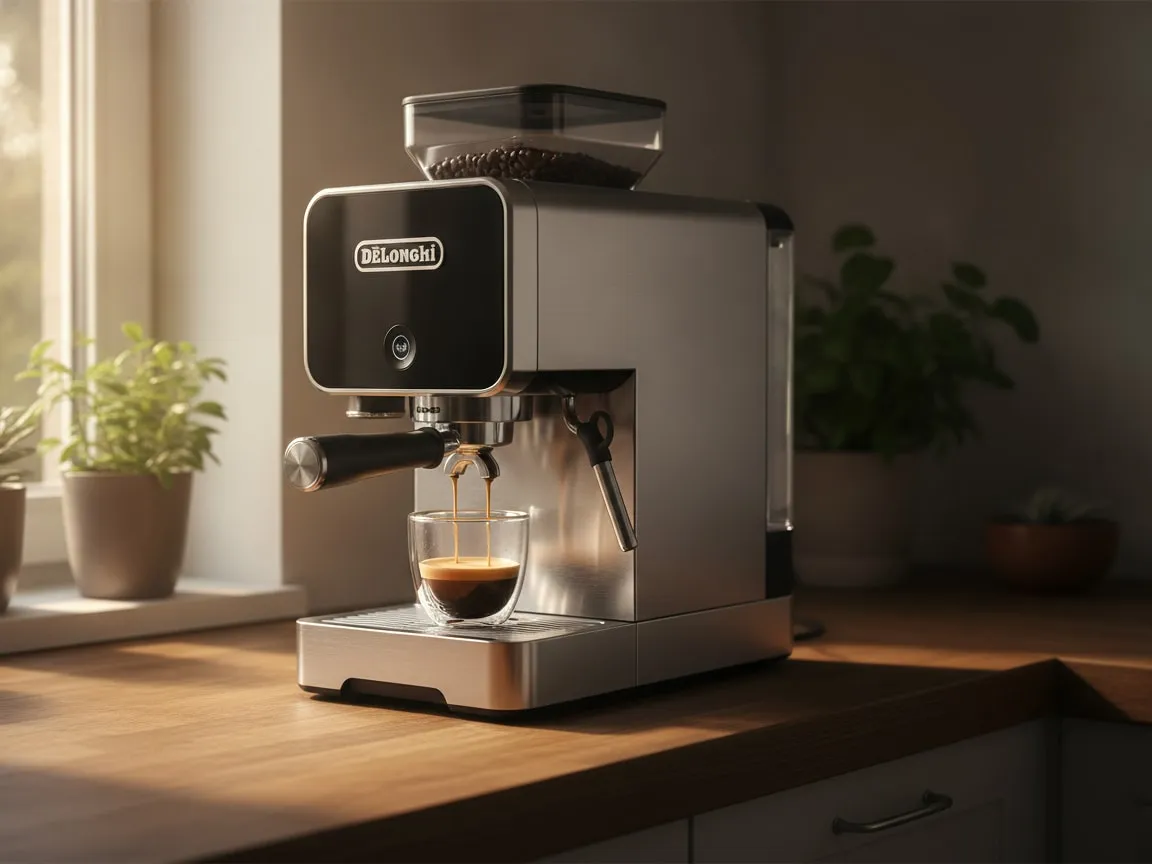
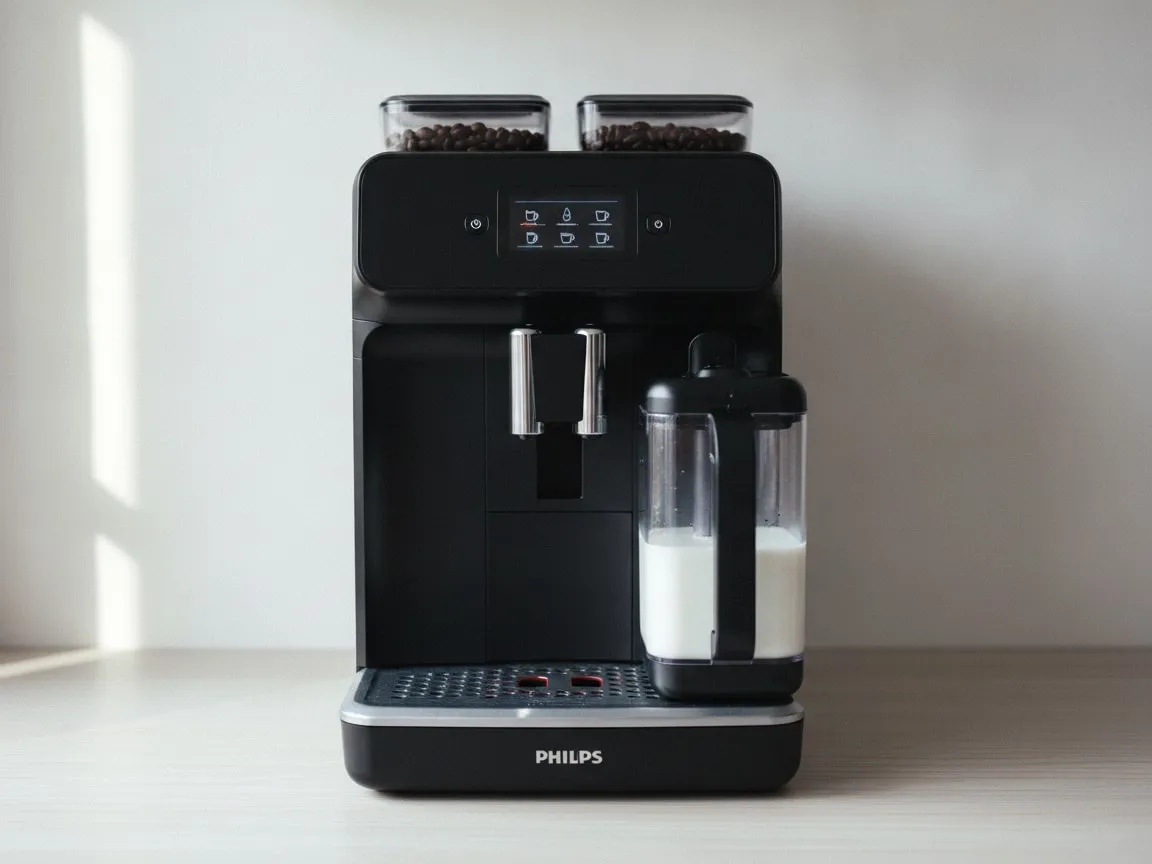
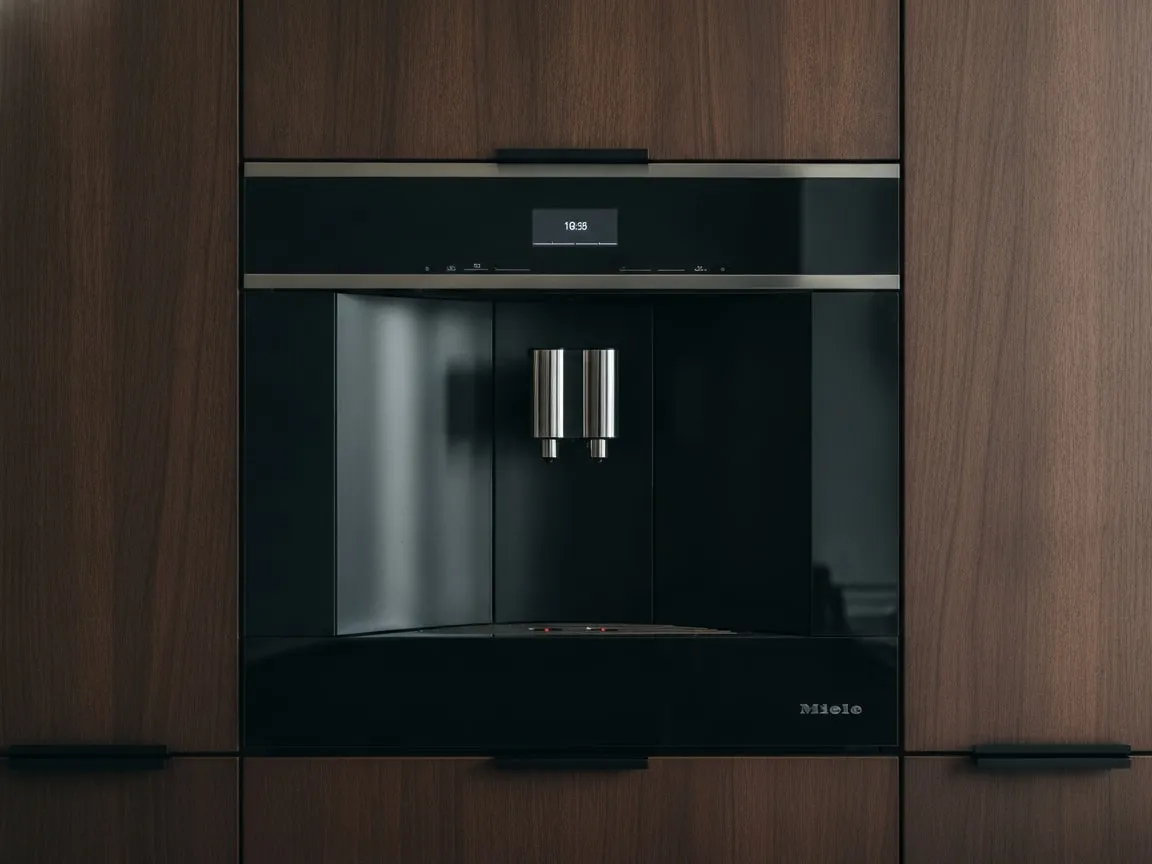
This page covers Jura, Saeco and Philips, De’Longhi, Gaggia, Miele and the rest of the bean-to-cup family. If your machine has a portafilter you lock in by hand, you want the semi-automatic checklist. Each step here is something the maker’s own manual tells you to do, with a picture of where to put your hand.
Seat the water tank to the click
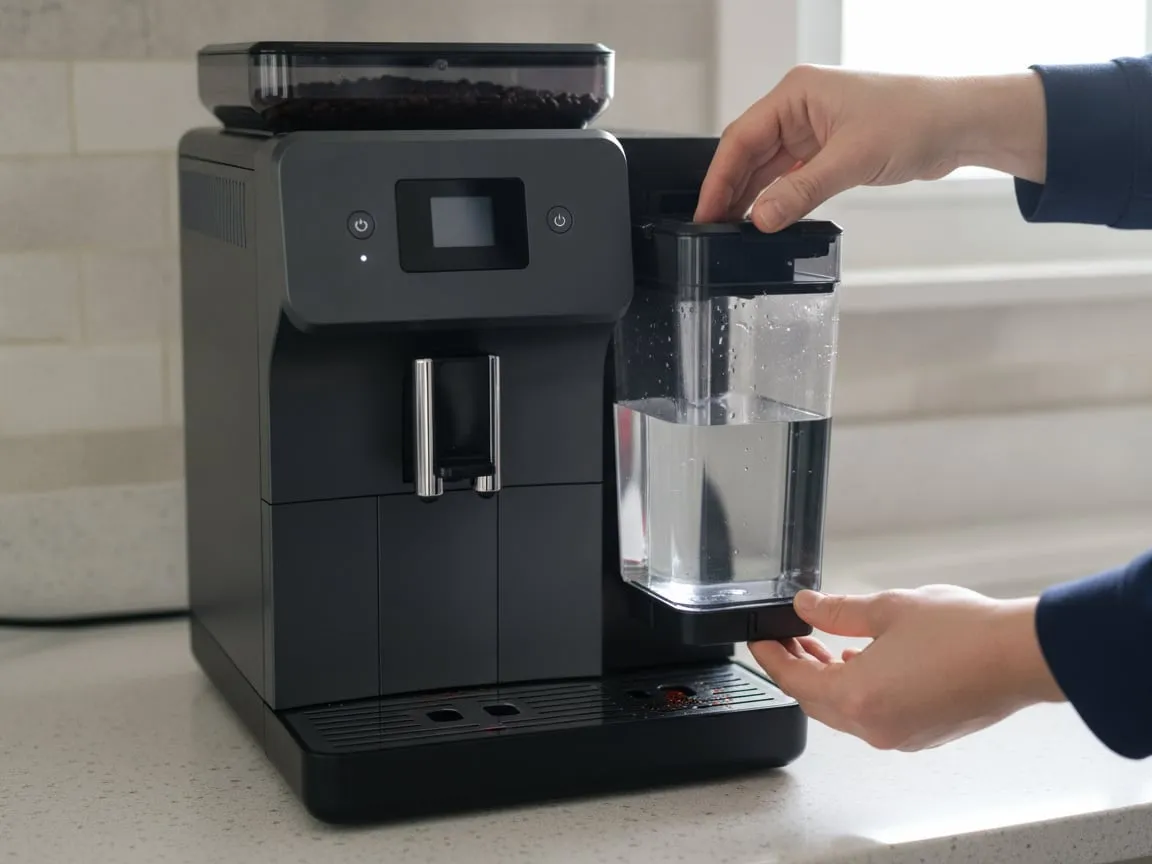
The tank drops onto a pick-up valve at the bottom of its slot. Until it is fully down, the valve stays shut and the machine reports an empty tank with water visible through the side. Lift it out, check nothing has fallen into the slot, and lower it until it clicks or stops firmly. On Jura machines the tank also carries a magnet that a sensor in the body reads; the sensor only sees it in the last few millimetres.
Free the float in the tank
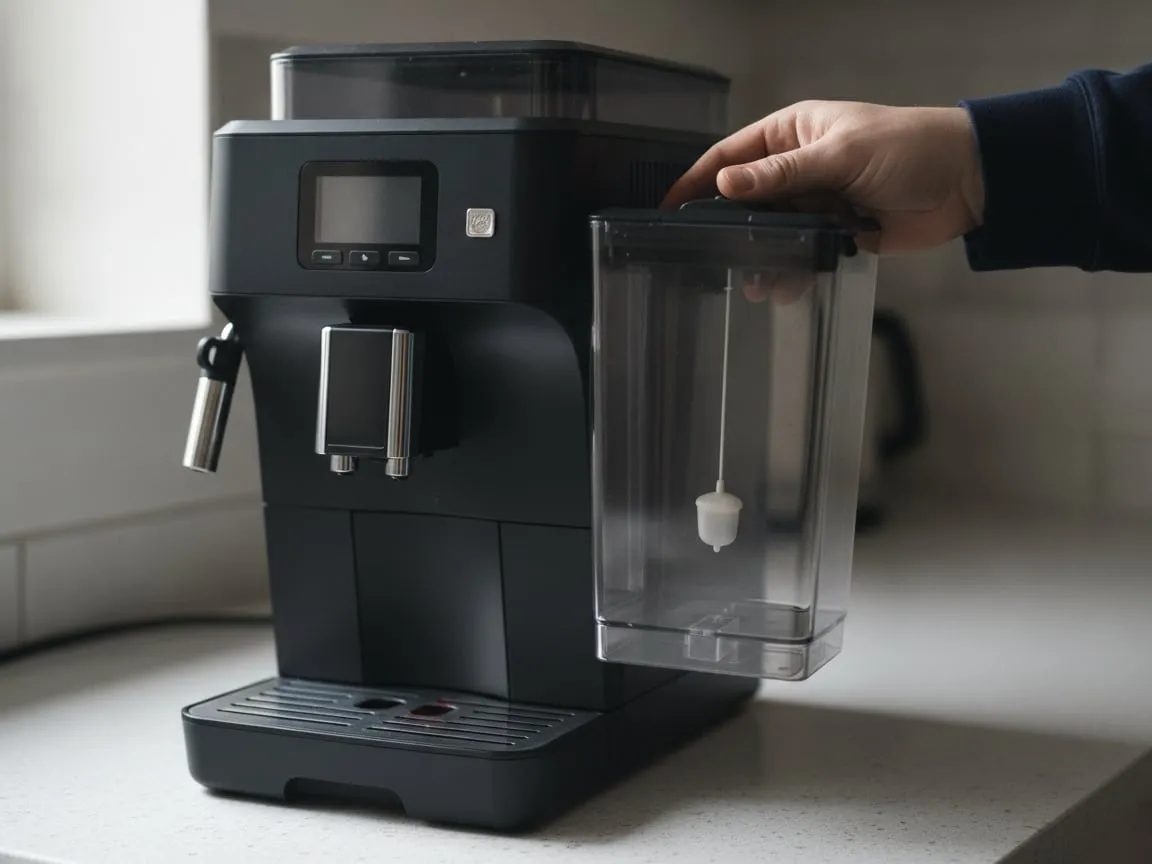
Most tanks have a small float at the bottom with a magnet in it. Water lifts it, the magnet rises, and the machine knows there is water. Scale glues the float down after a year on Los Angeles tap water, and from then on the machine asks for water no matter how full the tank is. Empty the tank, shake it, and see whether the float moves. If it does not, a soak in descaler, or a straightened paper clip to nudge it, usually frees it. A float that has lost its magnet needs a new tank, which is cheaper than a visit.
Put the brew group back on its rails
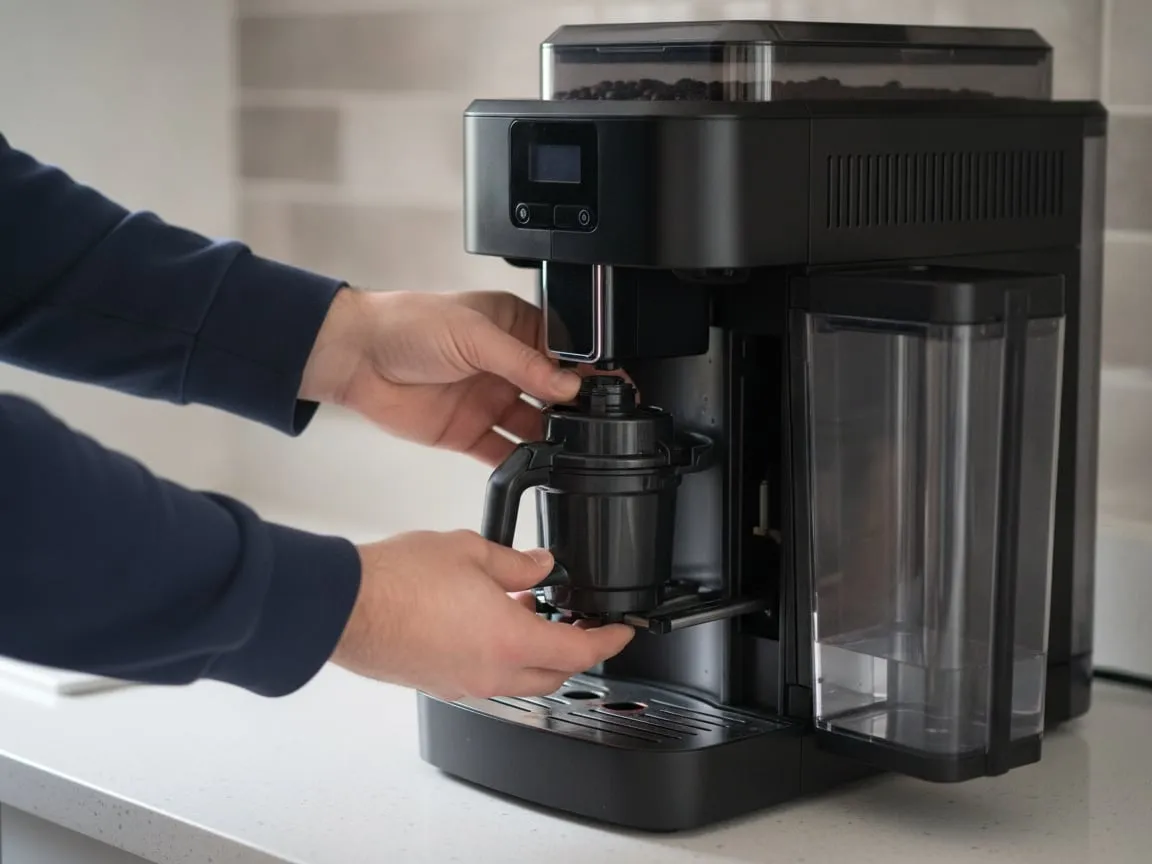
The error that most often brings a Saeco or Philips to us reads E04, or on a Jura simply “insert brew unit”: the group is not where the machine expects it. Open the service door, take the group out by its grip, rinse it under the tap, and slide it back along its two rails until it clicks. If it refuses to go in, do not push harder. It is not in its rest position. Switch the machine off at the main switch, wait fifteen seconds for it to go quiet, line the arrow on the group up with the mark the manual shows, and try again.
A group that goes in dry and gritty wants its rails wiped and a little food-grade grease on the guides. A group that goes in and the error still comes back within a few brews is a worn group, and that is our most common Jura job.
Push the drip tray fully home
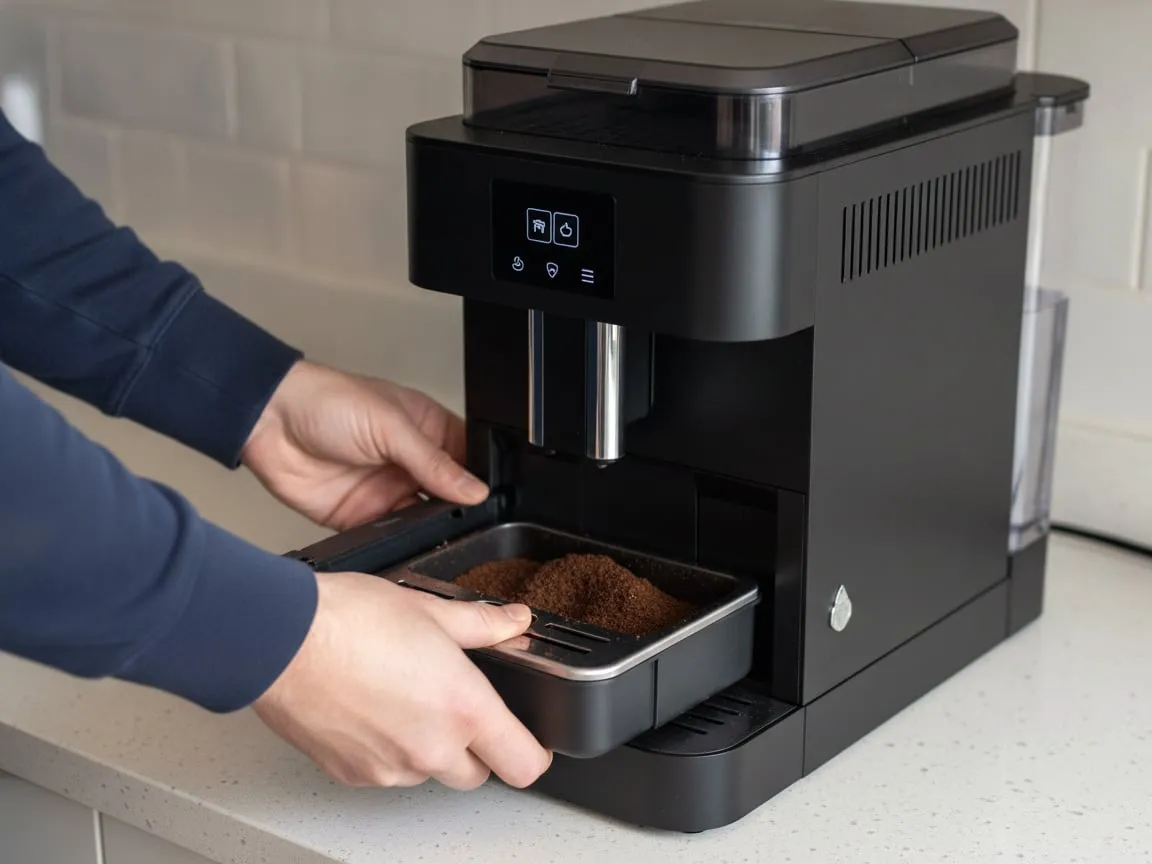
The tray carries a magnet or presses a switch at the back of its slot. Pushed in slowly and all the way, it registers and the display clears. Pushed in and stopped a few millimetres short, by a stray puck behind it or a lip of the cup tray on top, the machine refuses to brew and tells you the tray is missing. Pull it right out, empty it, look into the slot, and push it back until it stops.
Empty the grounds container every time
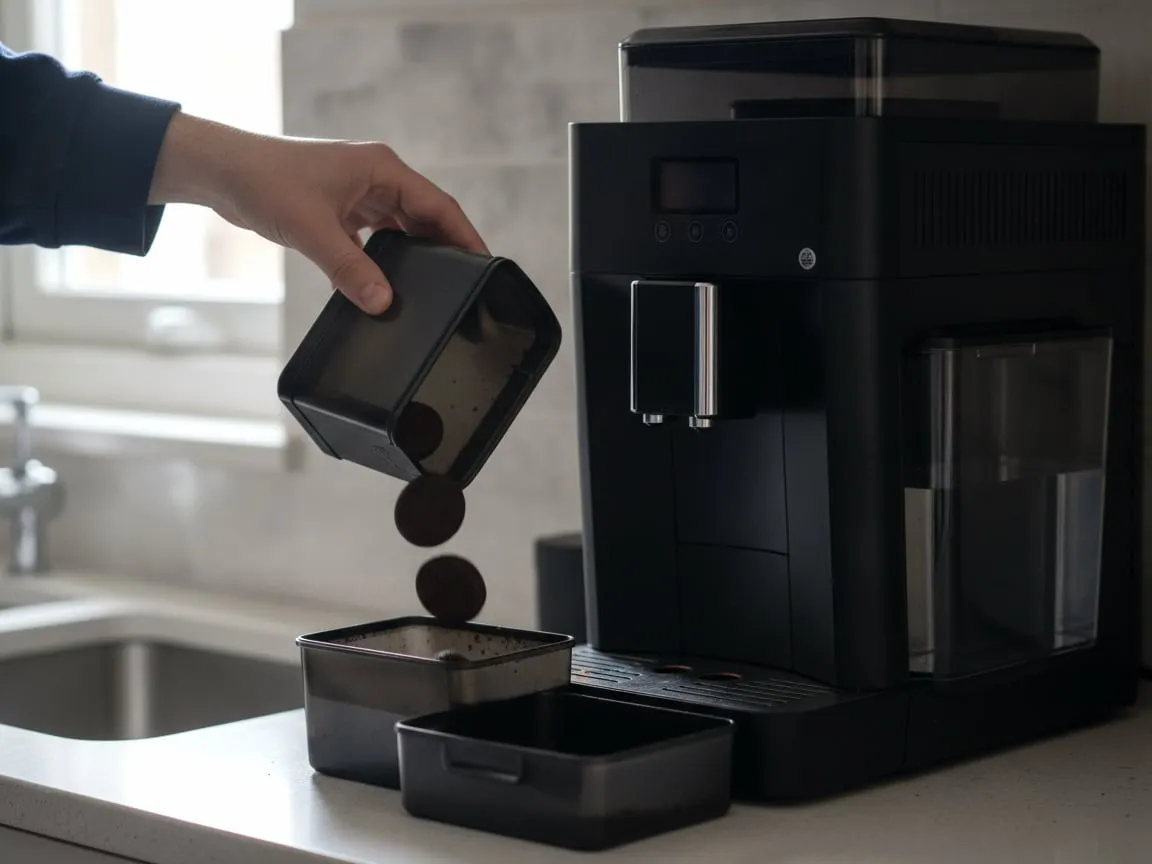
The machine does not weigh the pucks. It counts brews since the tray was last out, and the message comes when the count is reached. If you pull the tray to empty the water and put the container back with its pucks still in it, the count resets to zero with a full container, the real pucks pile up past the top, and the chute packs solid. De’Longhi puts it in capitals in the manual: empty the container every time the tray comes out, even with two pucks in it.
The second half of this check is the sensor. Coffee dust on the window where the machine reads the container gives the message with an empty container. Wipe it, and leave the tray out for five seconds before it goes back.
Turn the grind dial only while it grinds
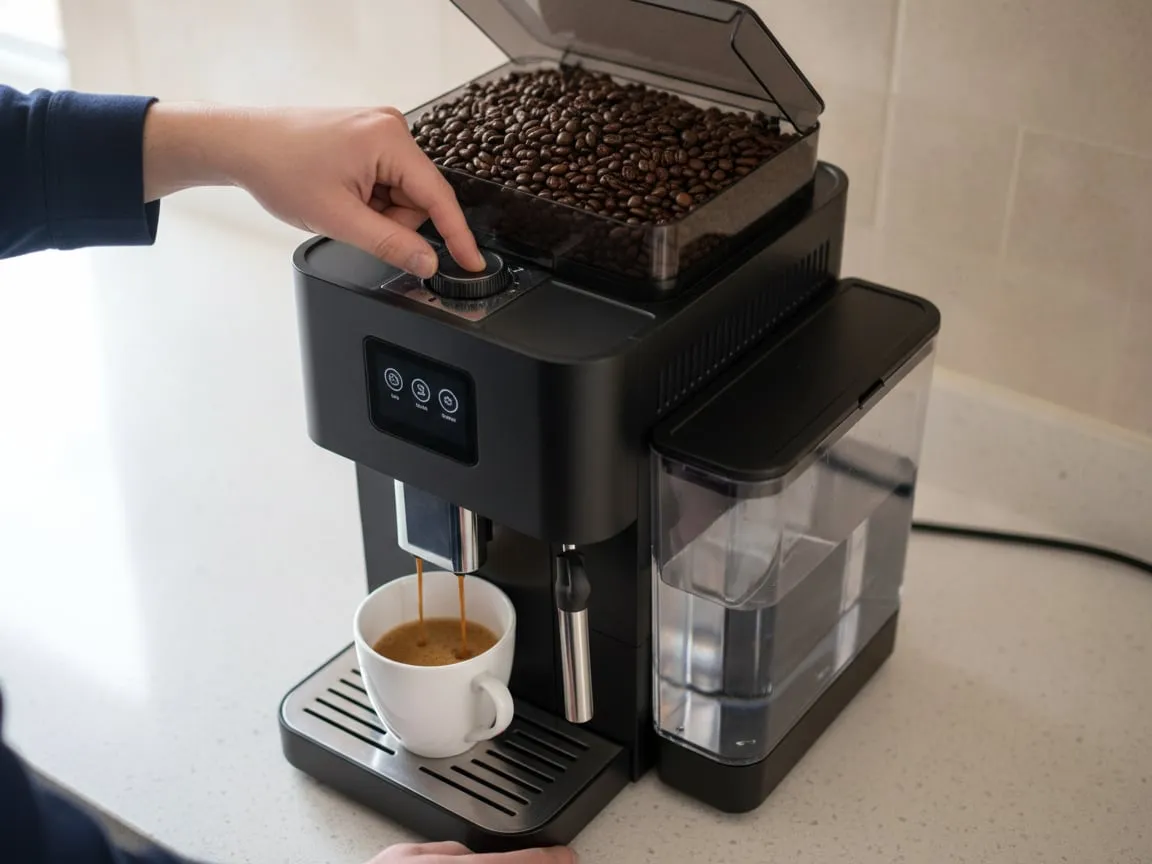
“Ground too fine” and coffee coming out in drops are the same complaint. The dial at the bottom of the bean hopper moves the lower burr, and it is designed to move while the burrs are turning. Turned with the motor stopped, it binds, and the setting does not change or changes by a jump. Start a coffee, and while the grinder runs, turn the dial one notch toward coarse. Wait two cups before judging it; the old grounds are still in the chute.
If you have not touched the dial and the coffee suddenly slows to drops, it is not the grind. Oils have dried into a plug where the group meets the spout, and the cleaning cycle with the tablet is the cure before any adjustment.
Push the beans down
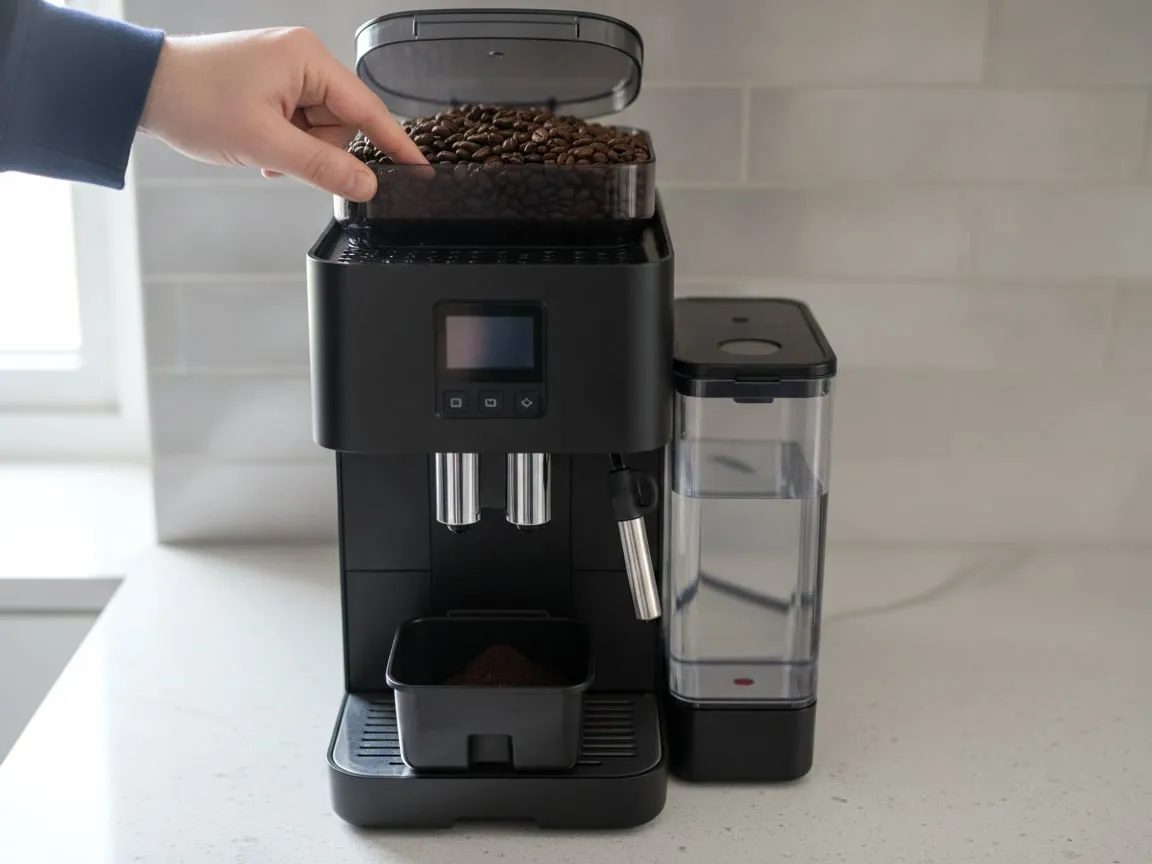
Oily, dark beans stick to each other and to the hopper wall, bridge over the throat, and the burrs run empty below a hopper that looks full. The display asks for beans; you add beans on top of the bridge; nothing changes. Push a finger down through the beans to the bottom and the grinder catches again. A drier, lighter roast keeps it caught. Super- automatic grinders were built for beans that pour.
Finish the cleaning cycle you started
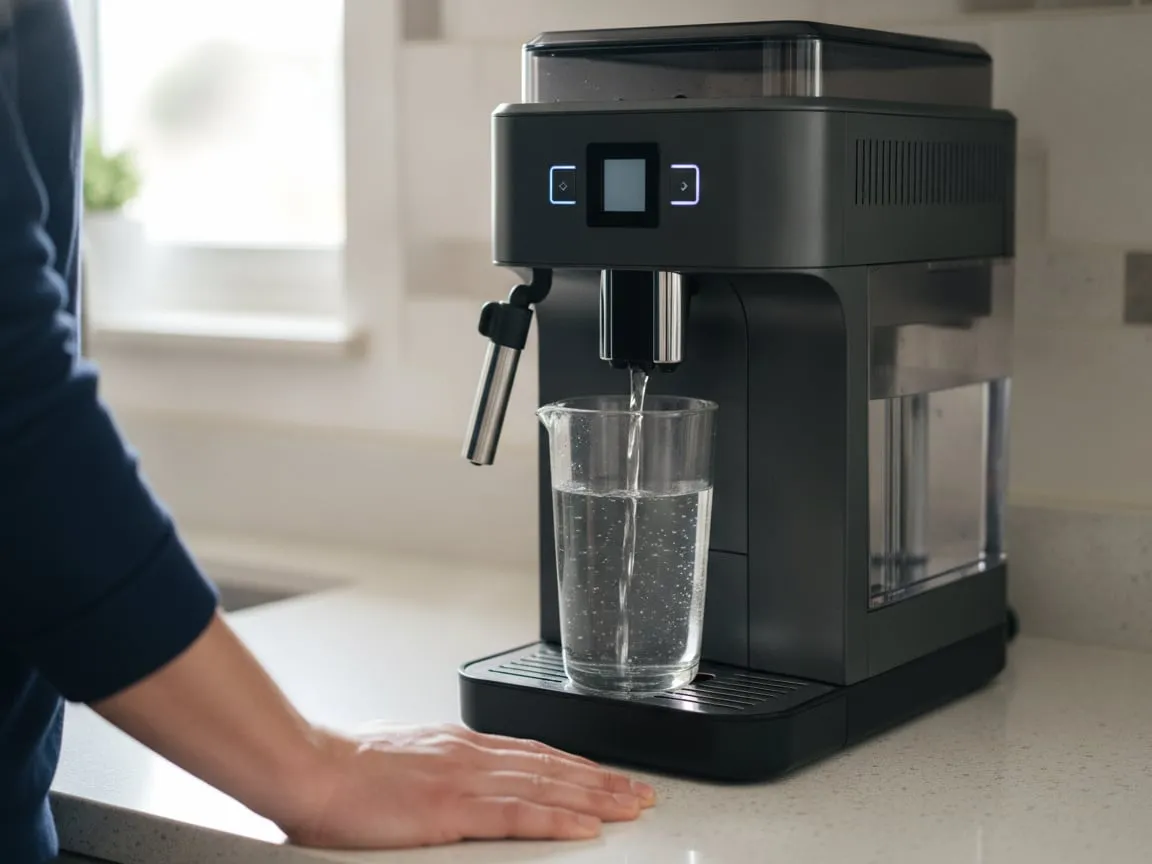
A cleaning or descaling program stops between steps and waits: fill the tank, empty the tray, put a jug under the spout. Walk away in the middle of it and the machine stays in that step, sometimes for days, brewing nothing and showing a message that looks like a fault. Put the jug back, press the button it is waiting for, and let it run to the end. Only then does it return to normal service.
If it passed all eight
The fault is inside, and inside a super-automatic means the brew group, the pump, the heating block or a valve. All of those are bench work. The $145 diagnostic is credited in full toward the repair when you approve the estimate. Pickup and return by our courier are included. Tell us which steps you did and send a short video of the display and the sound the machine makes; a grinding noise and a humming noise send us to different parts. Book a pickup and we collect it on the next run.
Back from the bench: what is different now
A super-automatic that has been on the bench comes back with its brew group rebuilt or greased, its chute cleared, its water paths descaled and its grinder reset to a middle setting. The first thing most owners notice is that the coffee runs faster and tastes thinner than the week before. That is the clean machine, not a fault: the old grind setting had been creeping finer for months to compensate for a packed chute, and the chute is now open.
Give it two cups on the setting we left, then adjust the grind one notch finer at a time, while it grinds, if you want it slower. Run the rinse it asks for on power-up. Use filtered water, because a float stuck in scale is how most of these come back to us. If something is genuinely wrong, film the display and send it; labor is covered for 30 days after the return and we answer a video the same day.